Free LEGO identification tool
Scan. Search. Authenticate.
Identify loose parts and minifigures in seconds. See every official set they appear in, then check market prices on BrickLink — no account required.
Works on phone and desktop · Camera or photo upload · Updated daily from Rebrickable
63,354
Parts indexed
16,981
Minifigures
27,104
Official sets
Why collectors use BrickID
Turn mystery bricks into catalog facts before you buy, sell, or sort.
Verify authenticity
Match loose bricks against the official Rebrickable catalog. Confirm a piece is a genuine LEGO part — not a clone or mislabeled item — before you pay a premium.
Find parent sets
See every set a part or minifig appears in, with year and theme. Essential for pricing rare prints, retired minifigs, and hard-to-find elements.
Check market value
Jump straight to BrickLink and Rebrickable for current prices, color variants, and full set inventories. We identify — you decide what it's worth.
Built for buyers, sellers & collectors
Whether you're sorting a bulk lot or hunting a single rare tile, start with the catalog.
Sellers
Price bulk lots accurately and write listings with confidence. Know exactly which sets your parts came from instead of guessing "LEGO bulk — assorted."
Buyers
Verify that a part is a real catalog item before paying collector prices. Spot common pieces dressed up as rare finds in marketplace photos.
Collectors
Identify mystery minifigs from yard sales and incomplete sets. Find which official sets they complete so you know what to hunt for next.
Photo AI
Scan with your camera
Point your phone at a loose part, minifigure, or set box. Our scanner sends the image to Brickognize and matches results against the full Rebrickable database.
- → Part, minifig, set, or "everything" mode
- → Upload a photo if camera access isn't available
- → Confidence scores with manual search fallback
Catalog lookup
Search by number or name
Already have a part number, minifig ID, or set name? Search instantly — with thumbnails, type badges, and links to full detail pages.
- → Parts like
3001or BrickLink-style IDs - → Minifigs, sets, and keyword name search
- → Live suggestions as you type
Browse the catalog
Recent sets with full parts lists, minifigs, and external price links
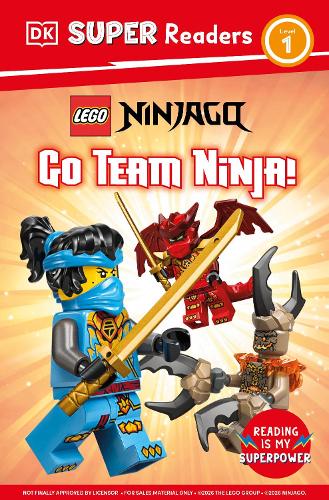
DK Super Readers Level 1: Ninjago: Go Team Ninja
9780241838389-1 · 2027 · Story Books
0 parts
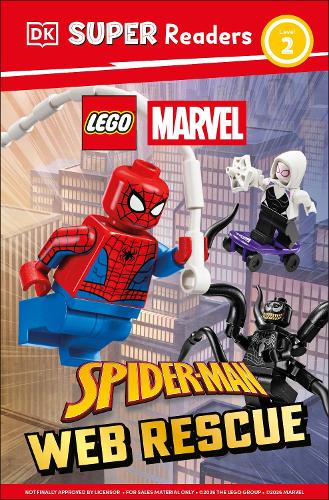
DK Super Readers Level 2: Marvel Super Heroes: Spider-Man Web Rescue
9780241836712-1 · 2027 · Story Books
0 parts

City: World Builder
WORLDBUILDER-1 · 2026 · Ideas Books
0 parts
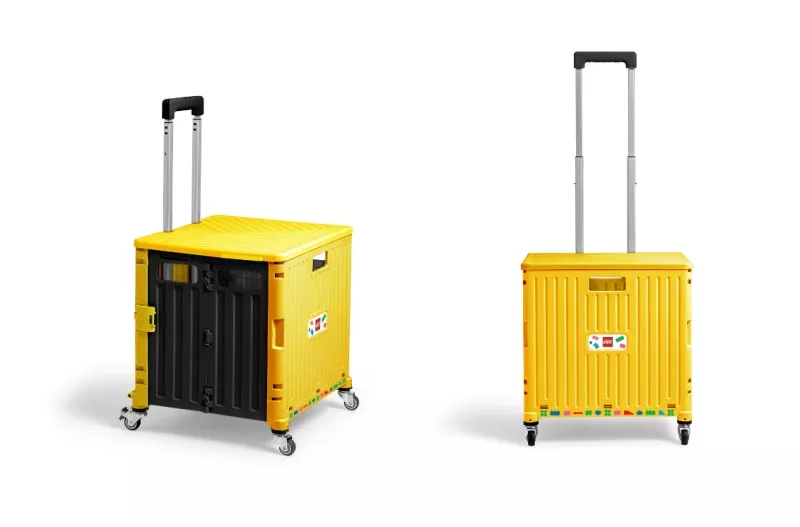
Foldable Trolley
TROLLEY-1 · 2026 · Gear
0 parts
Arena Star
STAR-1 · 2026 · LEGO Brand Store
0 parts
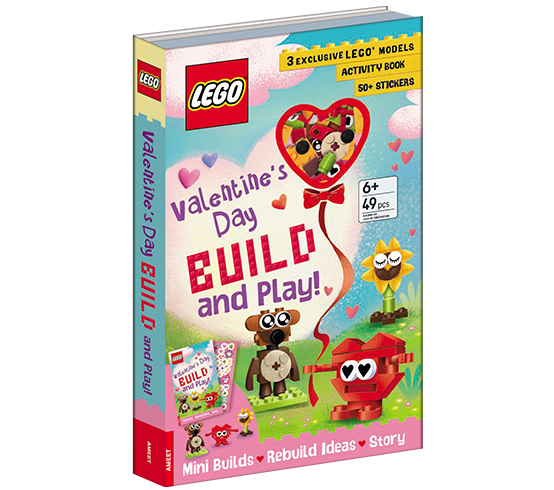
Valentine's Day Build and Play
SQB6603-1 · 2026 · Activity Books with LEGO Parts
0 parts

Lord of the Rings Minas Tirith Poster
POSTER-2 · 2026 · Posters and Art Prints
0 parts
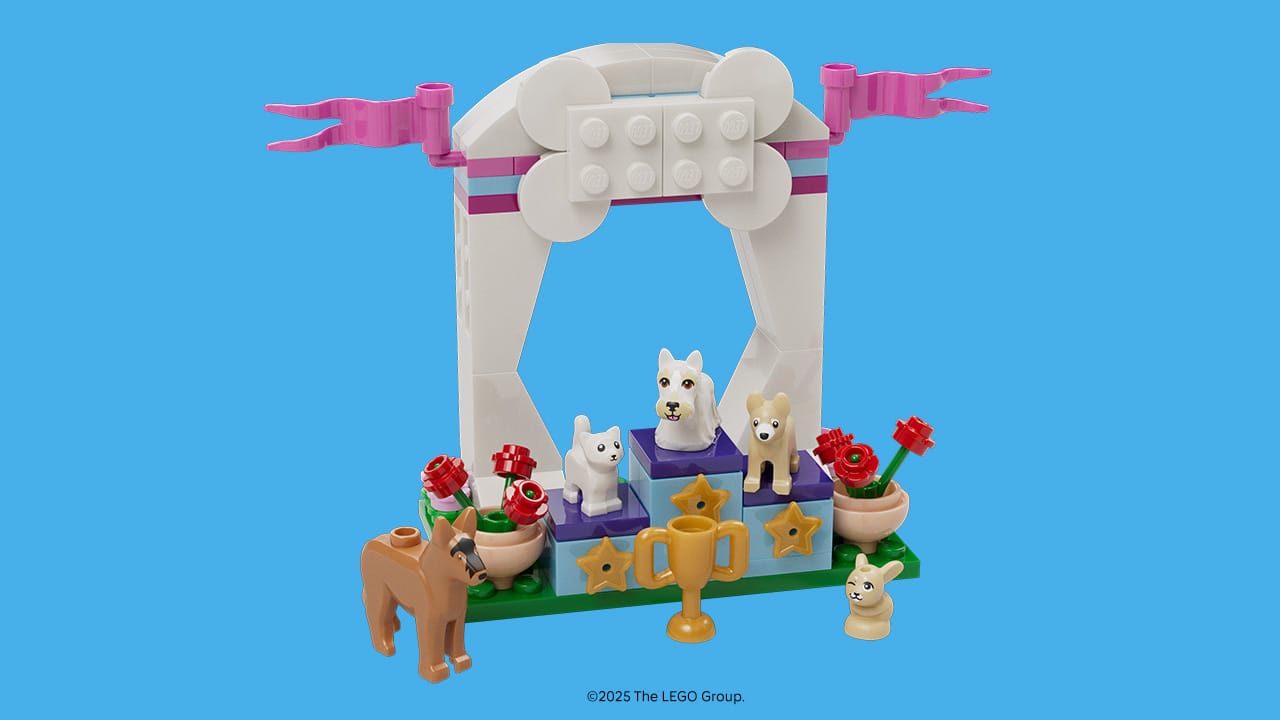
Creativity Workshop: Playful Pets
PLAYFULPETS-1 · 2026 · LEGO Brand Store
0 parts
How it works
Three steps from mystery brick to identified, priced catalog item.
-
1
Scan or search
Take a photo on a plain background, or type a part number, minifig ID, or set name if you already have a clue.
-
2
Get a catalog match
See the official ID, name, image, color variants, related prints, and every parent set the item appears in.
-
3
Check value & decide
Follow links to BrickLink for market prices or Rebrickable for inventories. BrickID proves the item is real — you set the price.
Common questions
Quick answers before you start scanning.
Is BrickID free? +
Yes. Scanning, searching, and browsing set pages are free. No account is required. We link out to BrickLink and Rebrickable for pricing — we don't sell parts or handle payments.
Where does the catalog data come from? +
We import the daily Rebrickable database downloads, covering official LEGO sets, parts, and minifigures. Photo recognition is powered by Brickognize.
Why isn't my scan finding a match? +
Try a clearer photo on a plain background, good lighting, and a single item in frame. If confidence is low, use search instead — type any numbers printed on the piece or describe it by name. Some very new or rare items may not be in the catalog yet.
Can I identify minifigures and whole sets too? +
Yes. The scanner supports part, minifig, set, and combined modes. Search also covers all three types — each result links to a detail page with set lists and external marketplace links.
Stop guessing. Start identifying.
Whether you're pricing a bulk lot or hunting one missing piece, the catalog has the answer.